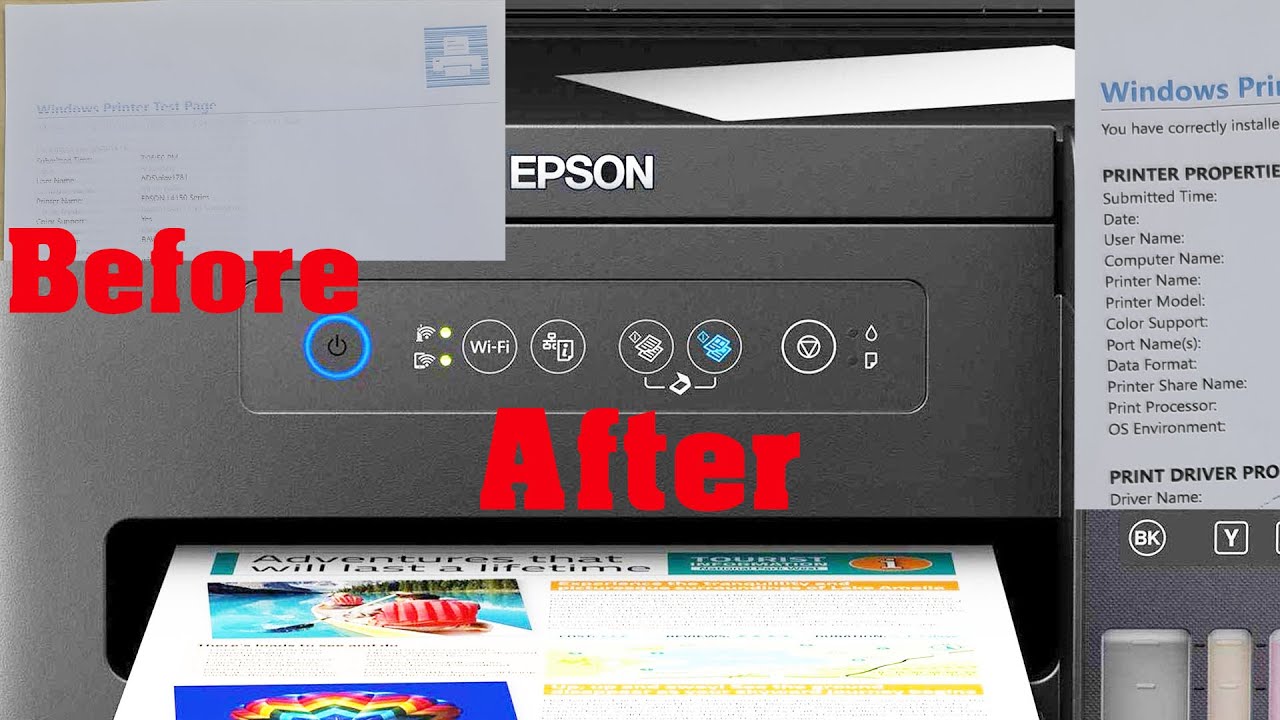
Epson Printer Not Printing Colors: Troubleshooting Guide

Common Causes of Color Printing Issues
Are you experiencing issues with your Epson printer not printing colors? This can be a frustrating problem, especially if you need to print important documents or photos. Fortunately, there are several troubleshooting steps you can take to resolve the issue. In this article, we will explore the common causes of color printing issues and provide you with a step-by-step guide on how to fix the problem.
One of the most common causes of color printing issues is a clogged print head. Over time, ink can dry out and clog the print head, preventing colors from printing correctly. Another possible cause is incorrect printer settings or outdated printer drivers. Additionally, using low-quality ink or paper can also affect the color printing quality.
Troubleshooting Steps to Resolve the Problem
To troubleshoot the issue, start by checking the print head for any blockages. You can do this by running the printer's built-in cleaning cycle or by manually cleaning the print head with a soft cloth and water. Next, check the printer settings to ensure that the color printing option is enabled. You should also update your printer drivers to the latest version to ensure compatibility with your operating system.
If the above steps do not resolve the issue, try replacing the ink cartridges or using high-quality paper to see if it improves the color printing quality. You can also reset the printer to its default settings or contact Epson support for further assistance. By following these troubleshooting steps, you should be able to resolve the issue and get your Epson printer printing colors again. Remember to always use genuine Epson ink and follow the manufacturer's guidelines for maintenance and upkeep to prevent future issues.