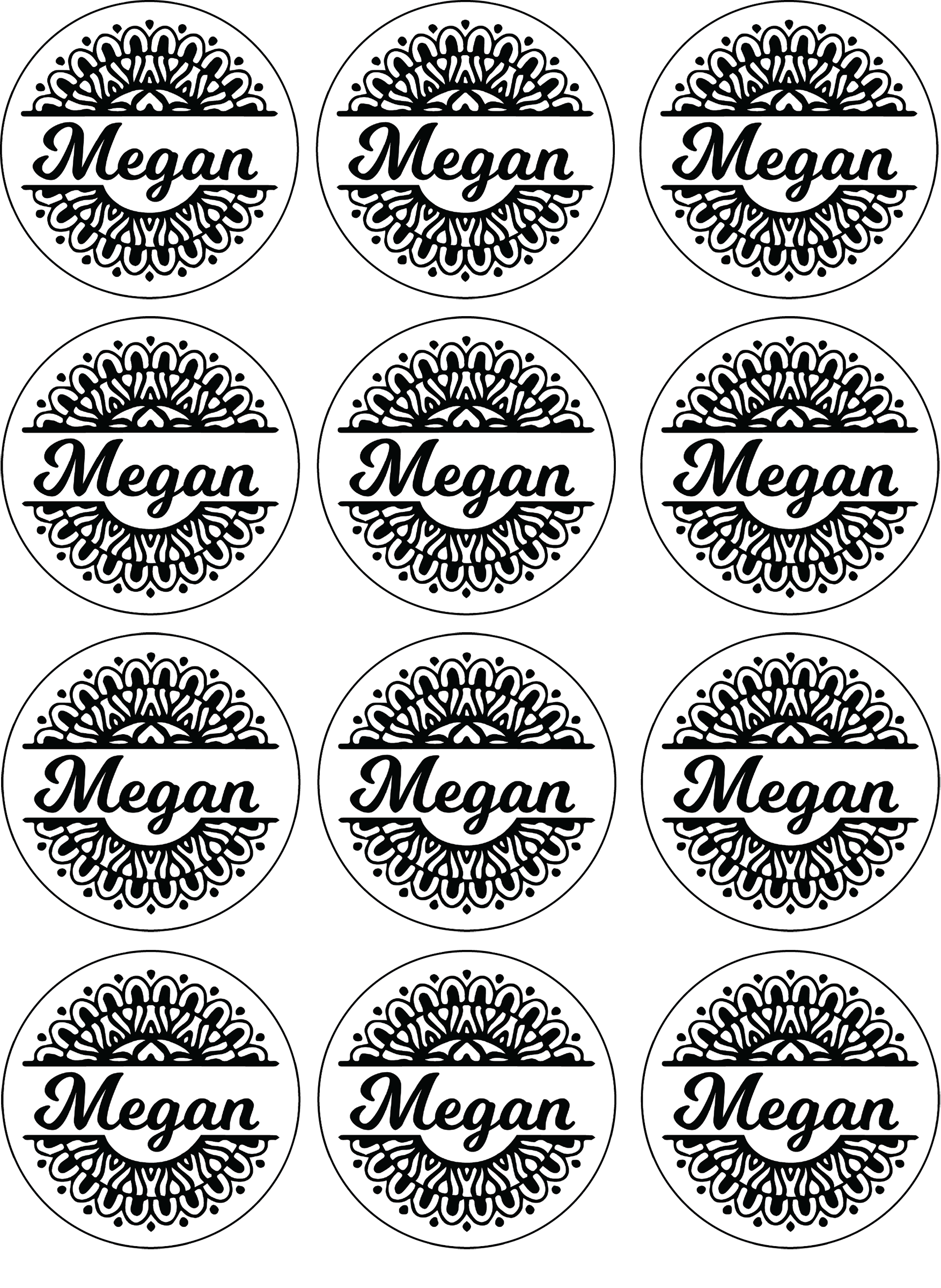
How To Print And Cut Round Stickers On Cricut
Preparing Your Design
Printing and cutting round stickers on Cricut can be a fun and creative way to add a personal touch to your projects. With the right tools and a little practice, you can create custom stickers that are perfect for decorating laptops, water bottles, and more. To get started, you'll need a Cricut machine, some sticker paper, and a design to print. You can use the Cricut Design Space software to create your design, or import one from another program.
When it comes to designing your stickers, there are a few things to keep in mind. First, make sure your design is the right size for the stickers you want to create. You can use the Cricut Design Space software to resize your design and ensure it fits within the boundaries of your sticker paper. You should also consider the shape of your stickers - round stickers are a great option because they can be used to create a variety of different designs, from simple logos to intricate patterns.
Cutting Your Stickers
Once you have your design ready, it's time to prepare it for printing and cutting. This involves sending the design to your Cricut machine and setting the correct cut settings. You'll want to make sure the machine is set to cut through the sticker paper, but not through the backing paper. You can use the Cricut Design Space software to adjust the cut settings and ensure your stickers turn out perfectly. It's also a good idea to do a test cut before cutting out all of your stickers, to make sure everything is working correctly.
With your design prepared and your Cricut machine set up, it's time to start cutting out your stickers. This is the fun part - watching your design come to life as the machine cuts out the stickers. Once the machine has finished cutting, you can remove the stickers from the backing paper and apply them to your project. With a little practice, you'll be creating custom round stickers like a pro. Whether you're making stickers for personal use or as a gift, the Cricut machine makes it easy to create high-quality, custom stickers that are sure to impress.