A Guide to Using Printable Sticker Paper

Getting Started with Printable Sticker Paper
Printable sticker paper is a versatile and fun material that can be used for a variety of projects, from scrapbooking and card making to decorating laptops and water bottles. With the right tools and a little bit of know-how, you can create custom stickers that are perfect for your needs. In this article, we'll cover the basics of printable sticker paper and provide some tips and tricks for getting the most out of this useful material.
To get started with printable sticker paper, you'll need a few basic supplies. These include a printer, a cutting tool or scissors, and a design or image to print onto the paper. You can use a variety of software programs to create your design, including Adobe Photoshop or Illustrator, or a free online design tool. Once you have your design ready, simply print it onto the sticker paper using your printer, following the manufacturer's instructions for the best results.
Tips and Tricks for Using Printable Sticker Paper
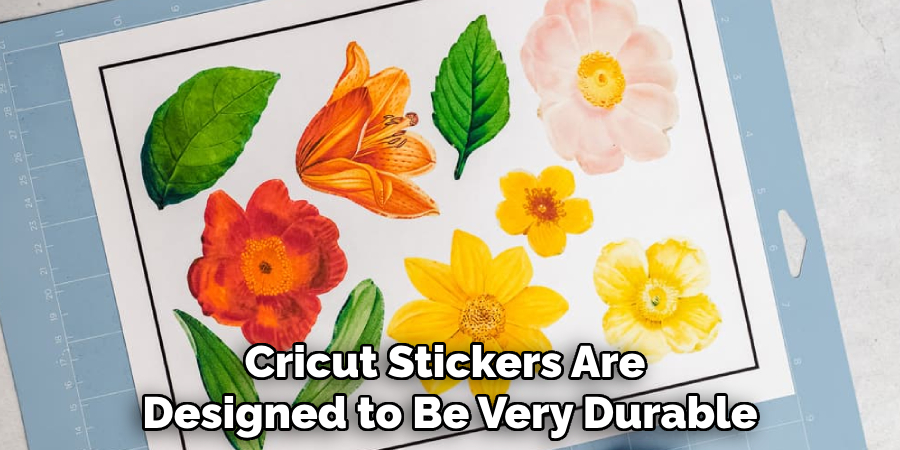
When it comes to cutting out your stickers, you have a few options. You can use scissors to cut out the stickers by hand, or you can use a cutting tool like a craft knife or a die-cutting machine. If you're planning to make a lot of stickers, a cutting tool can be a worthwhile investment, as it will save you time and effort in the long run. Additionally, you can use a laminator to add an extra layer of protection to your stickers, making them more durable and long-lasting.
With a little bit of practice and patience, you can create custom stickers that are perfect for your needs. Some other tips and tricks to keep in mind include using the right type of paper for your project, experimenting with different designs and colors, and considering the size and shape of your stickers. By following these tips and using printable sticker paper, you can add a personal touch to your projects and make them stand out from the crowd.